
Catalyst Tempered Glass Screen Protector: Support Hub
Catalyst Tempered Glass Screen Protector: Support Hub
Tempered Glass Screen Protector: Owner's Guide
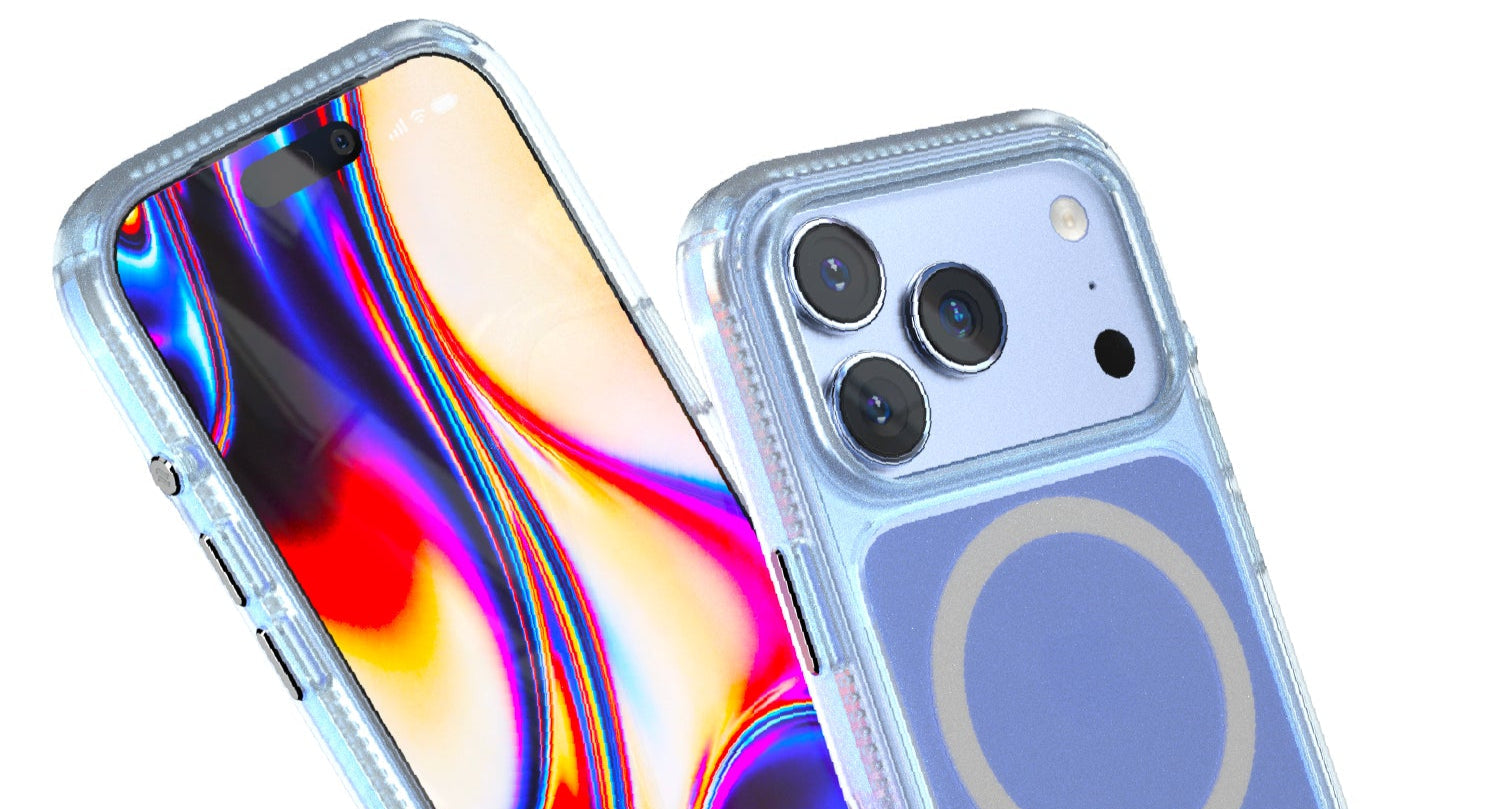
For iPhone Series (including iPhone 17 Series) and other compatible devices.
Welcome to the Catalyst family! Your new Tempered Glass Screen Protector is engineered for **maximum clarity and scratch resistance**. This guide provides **step-by-step instructions** for a bubble-free installation and answers your most common questions. Follow these steps to ensure a perfect, long-lasting fit.
🧭 Quick Navigation
Jump to any section below or Chat Now with our Vanchat AI Assistant for personalized help.
📦 Part 1: Flawless, Bubble-Free Installation
Achieving a perfect, bubble-free application is simple when you follow these steps. **Preparation is key** to ensuring the best adhesion and longevity for your screen protector.
1. Preparation & Cleaning
- **Clean Environment:** Work in a dust-free environment, like a bathroom after a hot shower, to minimize airborne particles.
- **Power Off:** Turn off your device to prevent accidental actions.
- **Wipe Down:** Use the **wet wipe (alcohol)** from the kit to thoroughly clean the entire screen surface, removing all oil, dirt, and fingerprints.
- **Dry & Polish:** Use the **dry microfiber cloth** to polish the screen until it is perfectly dry and lint-free.
- **Dust Removal:** Use the **dust removal sticker (blue)** to gently dab the screen, lifting any remaining fine dust particles. **Inspect closely**—even a single speck of dust can cause a bubble.
2. Alignment & Application
Note: Catalyst Screen Protectors are designed to be **case-friendly** and do not extend to the absolute edge of the screen. This ensures compatibility with most protective cases, including those with a raised bezel.
- **Peel Layer:** Carefully peel off the protective film labeled "1" (the side that will adhere to your screen). **Avoid touching the adhesive side.**
- **Align:** Hold the protector by the edges and align it precisely over your device's screen. Use the earpiece cutout and the edges of the screen as guides. **Pro Tip:** If you are using a protective case, you can install the case first and use its inner bezel as a guide for perfect alignment.
- **Drop & Adhere:** Once perfectly aligned, gently lower the screen protector onto the screen. It should begin to adhere automatically.
- **Squeegee Out Bubbles:** Use the **squeegee card** wrapped in the microfiber cloth to gently push any remaining air bubbles toward the nearest edge. For stubborn bubbles, lift the nearest corner of the protector slightly with the dust removal sticker and re-apply, pushing the air out.
- **Final Polish:** Use the microfiber cloth to give the newly installed protector a final polish.
▶️ Part 2: Video Tutorials for Visual Guidance
Watch these official Catalyst videos for a visual, step-by-step walkthrough of the installation process. Visual guides are often the most effective way to ensure a perfect application.
iPhone Tempered Glass Screen Protector
**Video Description:** A detailed guide on preparing your iPhone screen and applying the Catalyst Tempered Glass Protector for a seamless, bubble-free finish.
Apple Watch Flexible PET Screen Protector
**Video Description:** Instructions specific to the flexible PET protector for Apple Watch, focusing on curved screen application and water removal.
🧼 Part 3: Care & Maintenance
To keep your screen protector performing at its best and maintain crystal-clear visibility, follow these simple care tips.
Safe Cleaning Instructions
- **Regular Cleaning:** Use the provided **microfiber cloth** to gently wipe away fingerprints and smudges daily.
- **Disinfecting:** You can safely use a **70% isopropyl alcohol wipe** or a mild, non-abrasive screen cleaner. Apply the cleaner to the cloth, not directly to the screen.
- **Avoid:** Do not use harsh chemicals like window cleaner, ammonia, or solvents, as these can damage the oleophobic (anti-fingerprint) coating.
Antimicrobial Protection (iPhone 17 Series)
**Important Note for iPhone 17 Series:** The screen protector for the iPhone 17 Series features an **additional antimicrobial coating**. This coating helps reduce up to 99.9% of surface bacteria. When cleaning, use the recommended 70% isopropyl alcohol to maintain both clarity and antimicrobial performance.
❓ Part 4: Frequently Asked Questions (FAQ)
These answers are specifically designed to assist our Vanchat AI in providing quick, accurate customer support. For immediate help, use the chat button below.
Q: How do I install this with my Catalyst Case (e.g., Influence, Vibe, Total Protection)?
**A:** The screen protector is designed to be **case-friendly**. We recommend installing your Catalyst Case **first**. The inner bezel of the case will act as a perfect **alignment guide** for the screen protector, ensuring it is centered and does not lift at the edges when the case is on. The protector does not go fully to the edge, which prevents interference with the case's wrap-around design.
Q: Does this work with a protective case that has a raised edge for drop protection?
**A:** **Yes, absolutely.** The Catalyst screen protector is specifically designed to be slightly smaller than the full screen surface. This ensures it is compatible with protective cases that feature a **raised edge or bezel** that wraps around the front of the screen. The protector will sit flush with the screen, and the case's raised edge will provide the necessary drop protection without lifting the screen protector.
Q: Does the screen protector come with an installation tray or applicator?
**A:** **No, it does not come with a plastic installation tray.** However, you can achieve perfect alignment by using your existing protective case as a guide (see FAQ 1). The kit includes all necessary cleaning tools: a wet wipe, dry cloth, and dust removal sticker.
Q: I have a bubble after installation. How do I fix it?
**A:** Most bubbles are caused by a speck of dust. Use the **squeegee card** to push the bubble towards the nearest edge. If it doesn't move, use the **dust removal sticker** to gently lift the corner of the screen protector closest to the bubble. Once the corner is lifted, use the sticker to remove the dust speck from the screen, then re-apply the protector, pushing the air out.
Q: What is the benefit of the antimicrobial feature on the iPhone 17 Series screen protector?
**A:** The antimicrobial coating actively works to **inhibit the growth of bacteria** on the surface of your screen protector. This provides an extra layer of hygiene, which is particularly beneficial as your phone screen is constantly handled and exposed to various environments.
Need Instant Support?
Our Vanchat AI Assistant is ready to help you with installation tips, product details, and more.
💬 Start Live Chat Now